
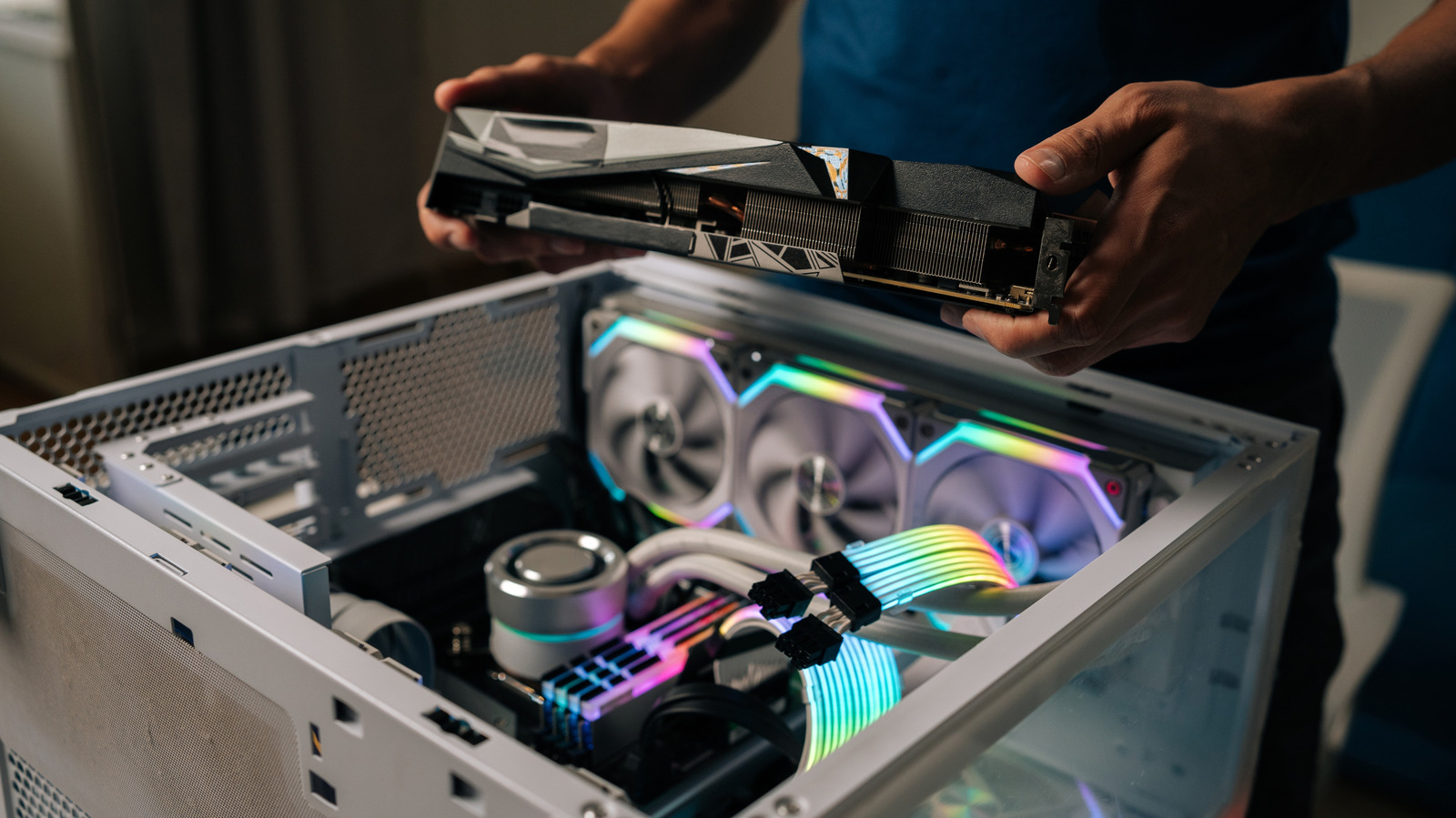
A malfunctioning graphics card does not always necessitate an immediate purchase of a new component.
Many technical problems affecting these devices are relatively simple to address without significant financial investment.
Check Your Amazon Prime Eligibility (Without Leaving This Page)
Select your category below to unlock your specific free trial and discounted membership rate:
Prime for Young Adults
Included with Prime for Young Adults:
- Fast, Free Delivery: Unlimited Same-Day, One-Day, and Two-Day Delivery on millions of items.
- Unlimited Streaming: Prime Video with award-winning Originals, movies, and live sports.
- $0 Food Delivery Fees: Free Grubhub+ membership included (save ~$120/year).
Amazon Prime (Standard)
Included with Amazon Prime:
- Fast, Free Delivery: Unlimited Same-Day, One-Day, and Two-Day shipping options.
- Instant Entertainment: Award-winning TV shows, movies, music, and photo storage.
- Full Access to Alexa+: AI assistant for entertainment, deals, and smart home tracking.
Amazon Prime Access
- Full Prime Benefits: Free shipping, Prime Video, and exclusive shopping deals.
- No Long-Term Commitment: Cancel or pause membership anytime.
Industry experts suggest that users should carefully evaluate the nature of their hardware issues before committing to a costly upgrade.
Repairing existing hardware can often prove to be a more cost-effective solution than buying a brand-new unit.
Some common malfunctions are classified as reasonably easy and cheap to fix, according to Engadget.
By exploring repair options first, consumers may avoid the unnecessary expense associated with purchasing a replacement card.
The decision to repair or replace depends largely on the severity of the hardware failure.
While some issues require professional intervention, others may be resolved through basic troubleshooting or minor component replacement.
The guidance provided emphasizes that a problematic graphics card does not necessarily mean you have to rush out and buy a replacement, as some issues are reasonably easy and cheap to fix, as reported by Engadget.
This approach allows users to extend the lifespan of their current equipment while maintaining system performance.
Ultimately, taking the time to assess a failing graphics card can save money and reduce electronic waste.
Consumers are encouraged to investigate potential repair solutions before assuming that their hardware has reached the end of its useful life.
Whether the issue involves cooling fans, connection errors, or software-related glitches, there is often a path toward restoration that is far more economical than acquiring new retail hardware.
As technology costs fluctuate, the value proposition of repairing existing hardware continues to be a viable strategy for many computer users.
Prioritizing maintenance and repair over immediate replacement is a practical approach for those looking to optimize their technology budget.