
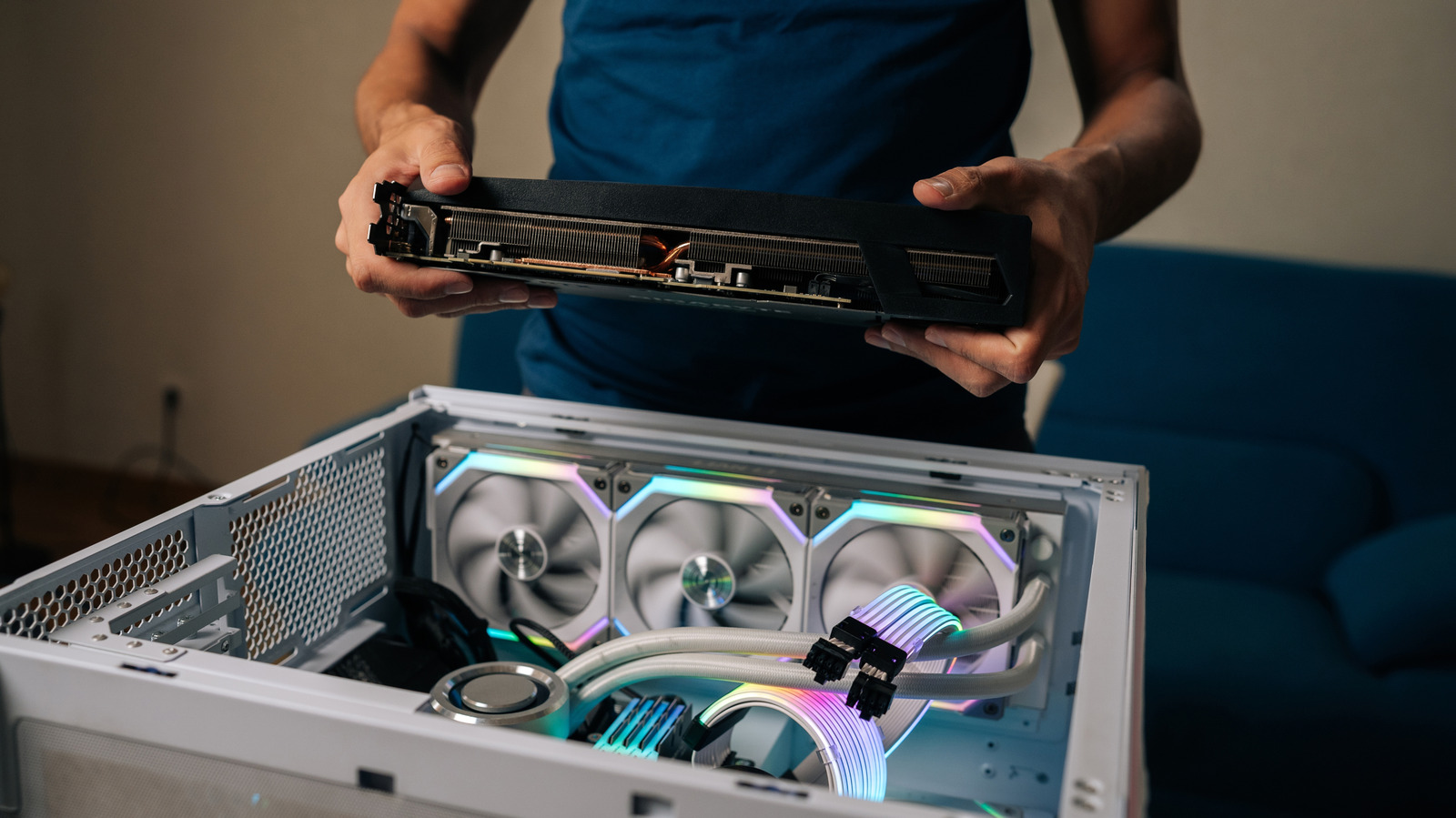
Upgrading a personal computer requires careful planning and consideration of the existing system components.
Industry specialists suggest that users must evaluate their current setup before purchasing new hardware.
Check Your Amazon Prime Eligibility (Without Leaving This Page)
Select your category below to unlock your specific free trial and discounted membership rate:
Prime for Young Adults
Included with Prime for Young Adults:
- Fast, Free Delivery: Unlimited Same-Day, One-Day, and Two-Day Delivery on millions of items.
- Unlimited Streaming: Prime Video with award-winning Originals, movies, and live sports.
- $0 Food Delivery Fees: Free Grubhub+ membership included (save ~$120/year).
Amazon Prime (Standard)
Included with Amazon Prime:
- Fast, Free Delivery: Unlimited Same-Day, One-Day, and Two-Day shipping options.
- Instant Entertainment: Award-winning TV shows, movies, music, and photo storage.
- Full Access to Alexa+: AI assistant for entertainment, deals, and smart home tracking.
Amazon Prime Access
- Full Prime Benefits: Free shipping, Prime Video, and exclusive shopping deals.
- No Long-Term Commitment: Cancel or pause membership anytime.
Failing to check existing parts can lead to performance issues and compatibility challenges during installation.
According to “Engadget”, PC owners should assess their existing hardware to avoid potential bottlenecks.
This preliminary assessment helps ensure that the new graphics card will function properly with the rest of the machine.
Hardware specialists always advise checking power supplies and physical space inside the computer case as well.
Taking these initial steps can save users significant time and prevent unnecessary complications during the upgrade process.