
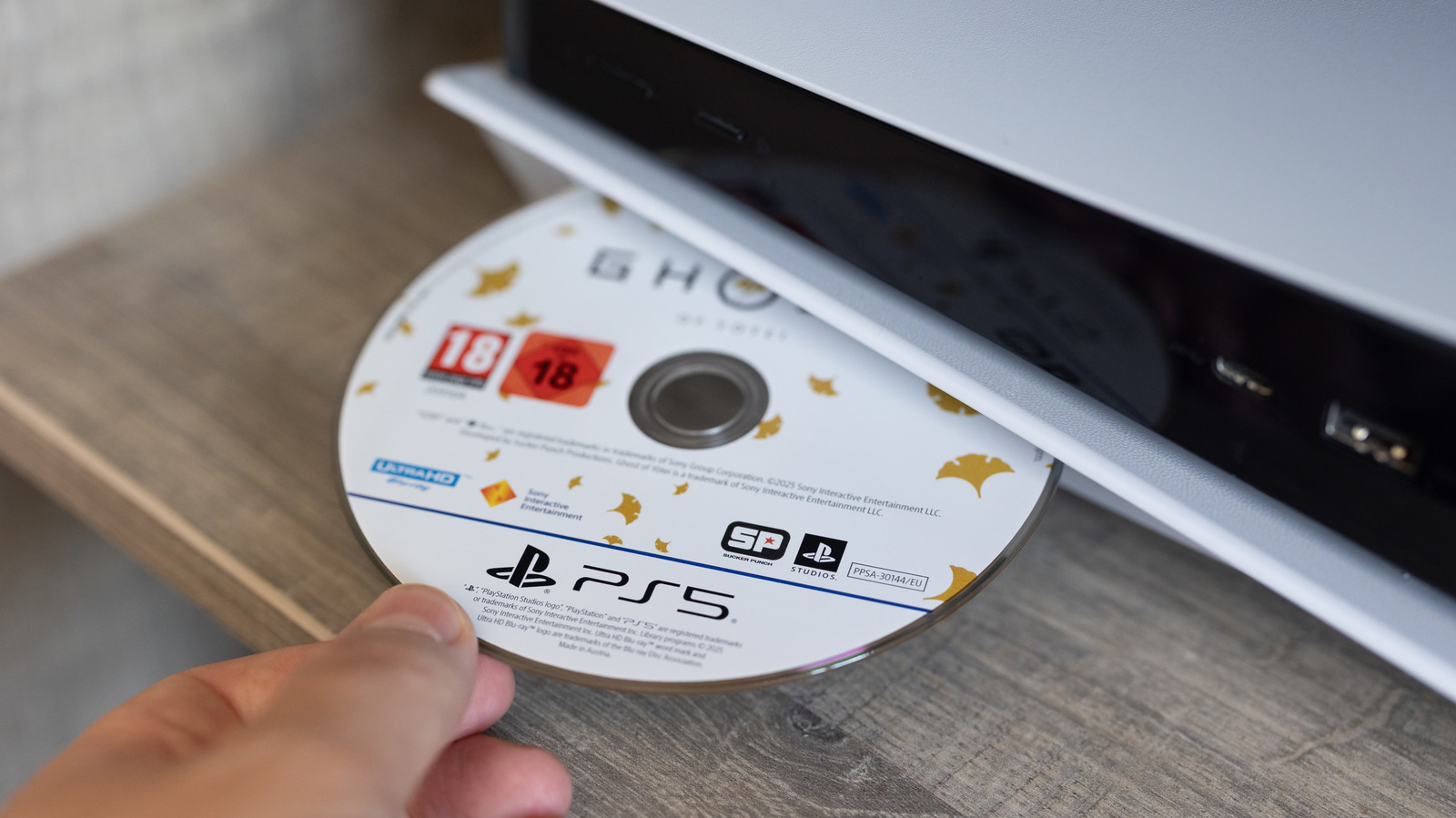
Owners of the PlayStation 5 console occasionally encounter frustrating technical issues when an optical disc becomes trapped inside the hardware.
This malfunction prevents users from switching between different games or media formats, effectively limiting the utility of the device.
Check Your Amazon Prime Eligibility (Without Leaving This Page)
Select your category below to unlock your specific free trial and discounted membership rate:
Prime for Young Adults
Included with Prime for Young Adults:
- Fast, Free Delivery: Unlimited Same-Day, One-Day, and Two-Day Delivery on millions of items.
- Unlimited Streaming: Prime Video with award-winning Originals, movies, and live sports.
- $0 Food Delivery Fees: Free Grubhub+ membership included (save ~$120/year).
Amazon Prime (Standard)
Included with Amazon Prime:
- Fast, Free Delivery: Unlimited Same-Day, One-Day, and Two-Day shipping options.
- Instant Entertainment: Award-winning TV shows, movies, music, and photo storage.
- Full Access to Alexa+: AI assistant for entertainment, deals, and smart home tracking.
Amazon Prime Access
- Full Prime Benefits: Free shipping, Prime Video, and exclusive shopping deals.
- No Long-Term Commitment: Cancel or pause membership anytime.
Fortunately, there is a reliable method available for those who need to reclaim their property without causing damage to the internal drive.
The process requires patience and precision to ensure the hardware remains functional throughout the recovery effort.
According to the technical guidance provided by “Engadget”, users can resolve the problem by following a short process carefully.
The report emphasizes that while having a disc stuck is an inconvenient experience, it is not an insurmountable obstacle for the average user.
By adhering to the established steps, gamers can successfully eject the jammed media and resume their normal activities on the console.
Maintaining the integrity of the disc drive is paramount during this operation, as improper handling could lead to further mechanical complications.
The instructions serve as a practical resource for anyone currently struggling with a disc that refuses to emerge from the internal slot.
Owners should approach the situation with caution and ensure they have adequate time to complete the necessary steps as outlined by the source.
This troubleshooting approach provides a clear path forward for those who find themselves unable to swap their game discs.
By following the recommended procedure, players can effectively mitigate the disruption caused by the hardware error.
The guidance highlights that resolving such issues is a manageable task when the correct steps are followed in the proper order.
Ultimately, the goal is to restore full access to the console’s optical drive functionality in a safe and efficient manner.
Users are encouraged to review the full details to ensure they understand the process before attempting any manual intervention on their console.