
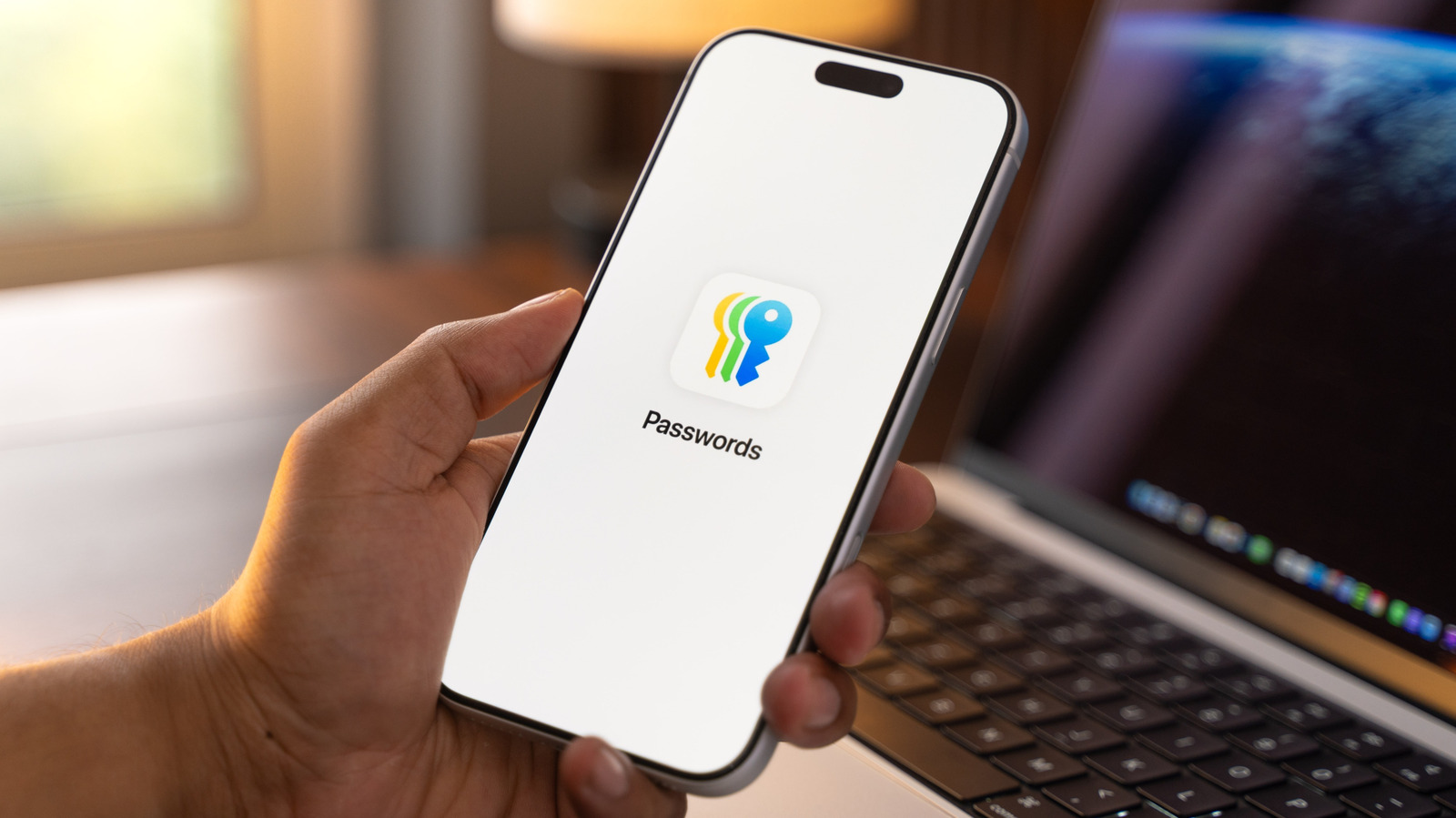
Consumers currently face a choice between two major digital security tools as they look to manage their online credentials.
Both Apple Passwords and Google Password Manager offer distinct approaches to securing user data across different operating systems.
Check Your Amazon Prime Eligibility (Without Leaving This Page)
Select your category below to unlock your specific free trial and discounted membership rate:
Prime for Young Adults
Included with Prime for Young Adults:
- Fast, Free Delivery: Unlimited Same-Day, One-Day, and Two-Day Delivery on millions of items.
- Unlimited Streaming: Prime Video with award-winning Originals, movies, and live sports.
- $0 Food Delivery Fees: Free Grubhub+ membership included (save ~$120/year).
Amazon Prime (Standard)
Included with Amazon Prime:
- Fast, Free Delivery: Unlimited Same-Day, One-Day, and Two-Day shipping options.
- Instant Entertainment: Award-winning TV shows, movies, music, and photo storage.
- Full Access to Alexa+: AI assistant for entertainment, deals, and smart home tracking.
Amazon Prime Access
- Full Prime Benefits: Free shipping, Prime Video, and exclusive shopping deals.
- No Long-Term Commitment: Cancel or pause membership anytime.
The selection process often depends on the specific hardware a person uses in their daily life.
Potential users are encouraged to see where the two services differ across iOS and macOS to determine which system is ideal, according to Engadget.
Choosing the right tool requires an assessment of how each service integrates with a user’s existing devices.
Apple Passwords is designed to work within the ecosystem of Apple hardware, providing a streamlined experience for those who rely on iPhones and Mac computers.
Conversely, Google Password Manager provides a cross-platform solution that caters to a wider range of devices, including those running Android or other operating systems.
The primary goal for both platforms is to simplify the way individuals store and retrieve sensitive login information.
Security experts note that the effectiveness of these tools often hinges on how well they synchronize across mobile and desktop environments.
When evaluating which password manager makes more sense for your devices, it is important to consider the convenience of auto-fill features and the ease of account recovery.
The decision ultimately comes down to personal preference and the specific technological ecosystem that a user prefers to inhabit.
By comparing the underlying architecture of both services, users can better understand the trade-offs involved in their security choices.
Reliability and ease of use remain the most critical factors for most people when selecting a password management system.
As digital threats continue to evolve, the importance of using robust credential management tools becomes increasingly apparent for all internet users.
Both Apple and Google continue to update their respective offerings to meet the growing demands of modern security standards.
Users should regularly review their settings to ensure their information is protected by the latest features provided by these platforms.