
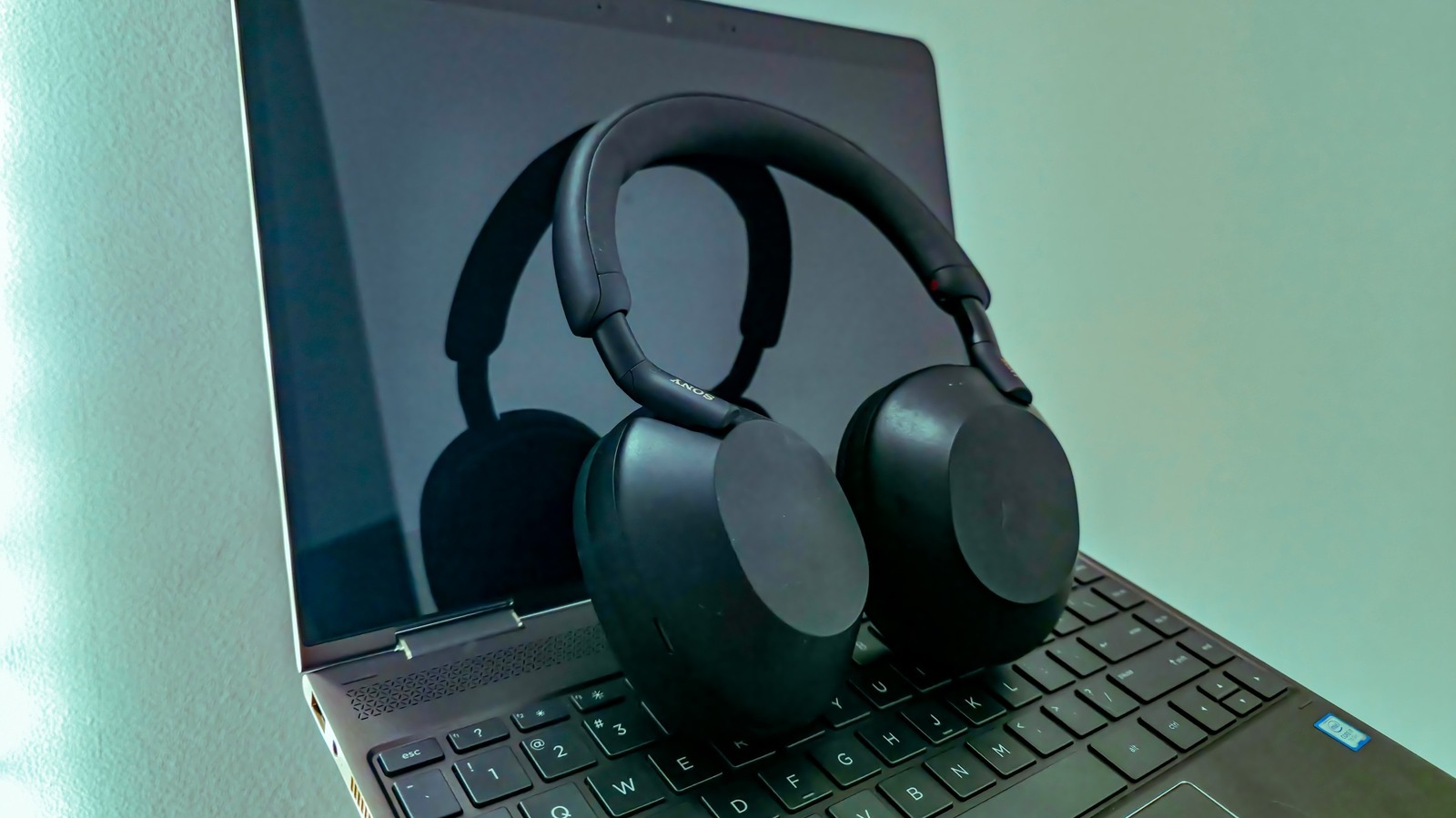
Connecting a pair of Bluetooth headphones to a Windows PC is not as simple as plugging into a headphone socket, but it is still quite straightforward.
Many modern computer users prefer the convenience of wireless audio technology over traditional wired connections.
While the transition from a physical jack to a wireless interface introduces new steps, the procedure is designed to be accessible for the average consumer.
The process involves navigating the operating system settings to establish a link between the peripheral and the computer.
According to the instructions provided by “Engadget”, the setup requires specific interaction with the Windows interface.
Users must ensure their hardware is in pairing mode before attempting to initiate the connection through the system menu.
Once the computer detects the device, the pairing process can be finalized to enable audio output.
This method allows for greater mobility and eliminates the clutter of tangled cables often associated with older audio hardware.
The guidance highlights that while the setup is not as simple as plugging into a headphone socket, the procedure is still quite straightforward, reported “Engadget”.
Understanding these basic technical steps ensures that users can effectively manage their wireless peripherals without unnecessary complications.
As Bluetooth technology becomes standard for audio equipment, knowing how to interface these devices with a personal computer is an essential skill.
The current Windows environment provides a centralized location for managing these connections, simplifying the overall user experience.
By following the established software protocols, individuals can enjoy a seamless transition to wireless listening on their desktop or laptop machines.
Consistent maintenance of drivers and system updates may further assist in keeping these wireless connections stable over extended periods of time.
For those familiar with modern computing environments, the transition to Bluetooth audio represents a minor adjustment in daily hardware management routines.