
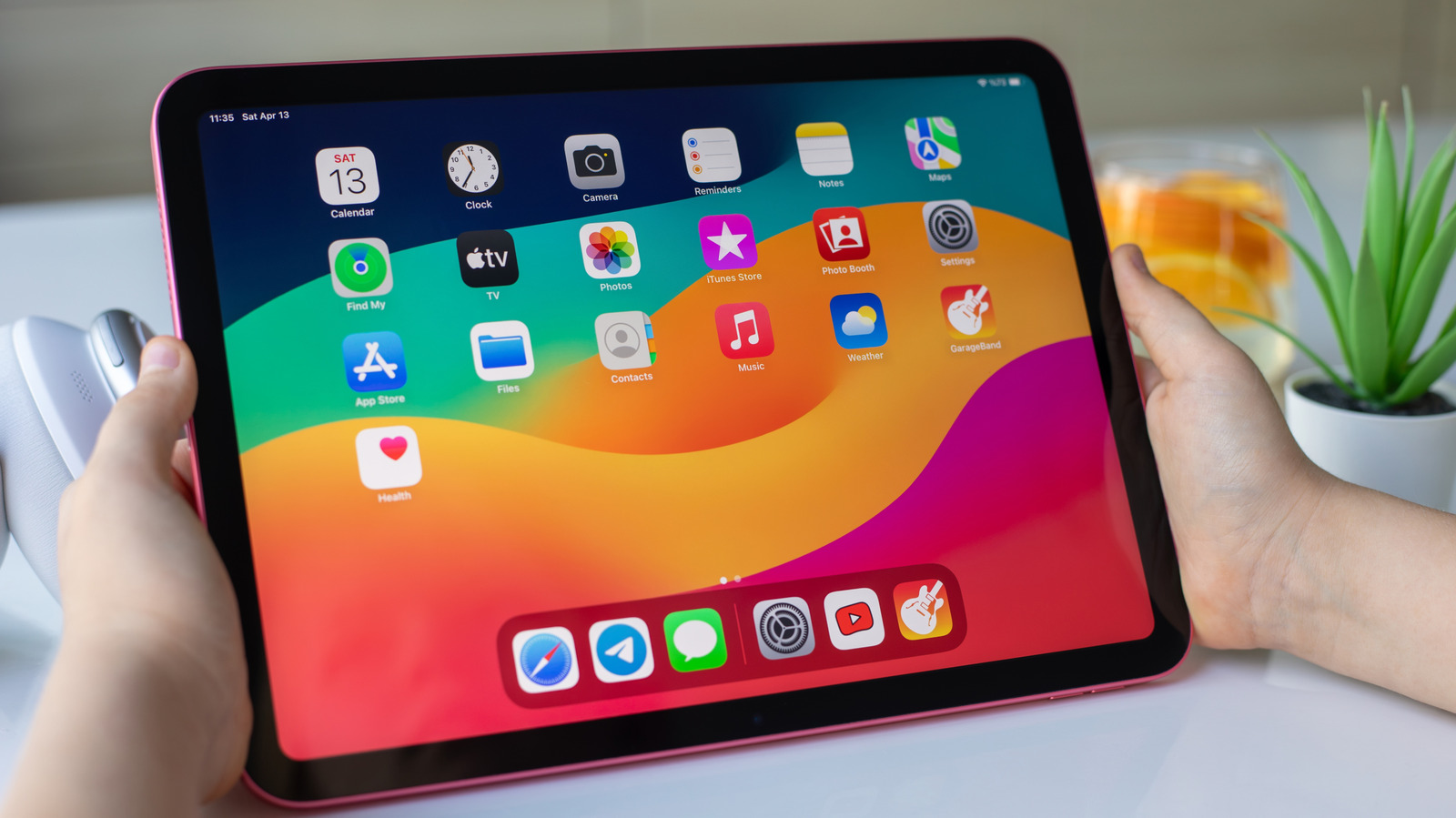
Owners of mobile devices experiencing diminished audio quality may find that the solution to their technical frustration is relatively straightforward.
Rather than immediately assuming that hardware failure necessitates a professional repair or a costly replacement, users are encouraged to perform a series of basic diagnostic checks.
Check Your Amazon Prime Eligibility (Without Leaving This Page)
Select your category below to unlock your specific free trial and discounted membership rate:
Prime for Young Adults
Included with Prime for Young Adults:
- Fast, Free Delivery: Unlimited Same-Day, One-Day, and Two-Day Delivery on millions of items.
- Unlimited Streaming: Prime Video with award-winning Originals, movies, and live sports.
- $0 Food Delivery Fees: Free Grubhub+ membership included (save ~$120/year).
Amazon Prime (Standard)
Included with Amazon Prime:
- Fast, Free Delivery: Unlimited Same-Day, One-Day, and Two-Day shipping options.
- Instant Entertainment: Award-winning TV shows, movies, music, and photo storage.
- Full Access to Alexa+: AI assistant for entertainment, deals, and smart home tracking.
Amazon Prime Access
- Full Prime Benefits: Free shipping, Prime Video, and exclusive shopping deals.
- No Long-Term Commitment: Cancel or pause membership anytime.
According to “Engadget”, there are several common factors that frequently contribute to sound degradation.
The first step in any troubleshooting process involves inspecting the protective case currently housing the device.
An ill-fitting or poorly designed cover may inadvertently obstruct the sound output, leading to muffled or quiet audio performance.
If the case is not the source of the interference, experts suggest turning attention toward the speaker grilles themselves.
Debris or dust accumulation within these small openings can significantly impede sound clarity over time.
Maintaining clean hardware is often essential for optimal device functionality, as noted by “Engadget”.
Beyond physical obstructions, software configurations should also be examined thoroughly.
Users are advised to navigate through the device sound settings to ensure that volume levels and audio equalization parameters are adjusted correctly.
Sometimes, a simple toggle within the operating system can rectify issues that initially appear to be significant mechanical defects.
By methodically reviewing the physical case, clearing the speaker grilles, and verifying the internal sound settings, consumers can often restore their audio quality without additional expense.
These preliminary steps are designed to help users avoid unnecessary service costs or the premature disposal of their electronic equipment.
Should these basic measures fail to produce an improvement, further investigation may be required, but most common audio problems are easily remedied at home.
Following these clear guidelines ensures that tablet owners can maximize the longevity and performance of their hardware through simple maintenance habits.
Taking these precautions serves as an effective first response to common audio complaints according to “Engadget”.